Get 16v out of a MagSafe2 Apple Charger


If you read the specs for a MagSafe2 Apple Charger, it says output 16.6V 3.5A, which can be useful when you are looking for a 12V source power for i.e. a battery.

But, if you just cut the Magsafe2 cable and measure the voltage, you’ll read only around 0.3V.

What’s the trick?

This charger has an internal 16-bit microprocessor. You need to put a resistance between both terminals (i.e. 22K Ohm), to tell the microprocessor that there is a resistive load between terminals (same does your mac when you plug it).

When the microprocessor registers this load, after 1 second, it will deliver the 16V.
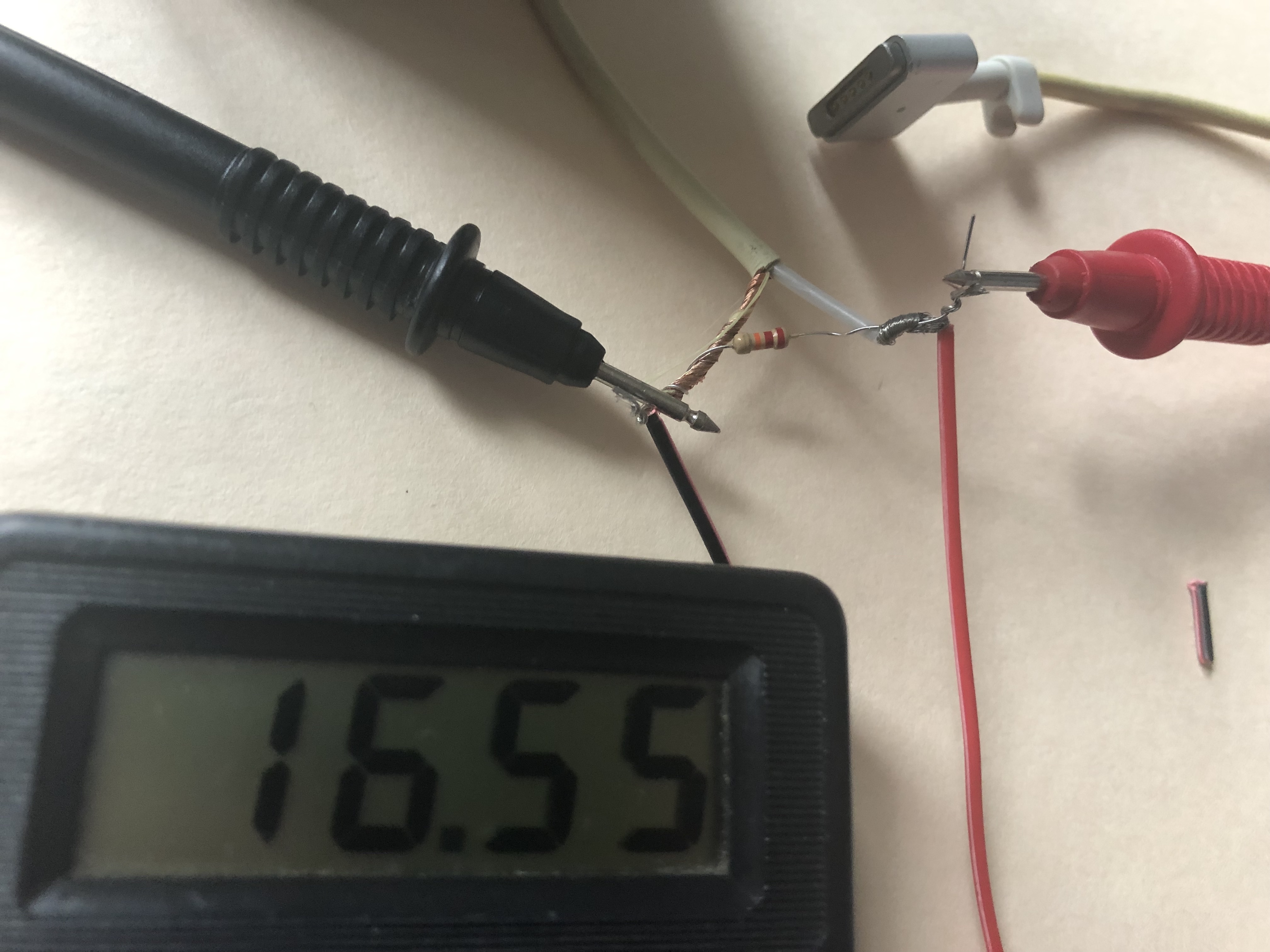
Now you can use this charger to regulate the output (maybe using an lm2596) and charge a 12V battery…

More information: http://www.righto.com/2013/06/teardown-and-exploration-of-magsafe.html

12V Battery Charging


Measuring current to detect when the battery is fully charged:

In normal (old age) battery chargers there will be the Ammeter connected in series between the battery and the battery charger.

When the battery is almost full. The current will gradually descend near zero. Because both voltages are almost the same. Until the current flows less.

Due to the V = IR rule, if the charging voltage V increases. It will cause the charging current (I)to decrease.

In modern battery charging circuits, The battery voltage will be measured. When the voltage is indicated that the battery is fully charged. The system will automatically cut off the power more convenient.

Reference: https://www.eleccircuit.com/how-many-amps-hours-to-charging-battery-full/

Flush DNS on Mac


Making DNS changes and wanting to force a flush on a Mac?

Here are the commands for the different mac versions:

MacOS VersionCommand
macOS 12 (Monterey)sudo dscacheutil -flushcache; sudo killall -HUP mDNSResponder
macOS 11 (Big Sur)sudo dscacheutil -flushcache; sudo killall -HUP mDNSResponder
macOS 10.15 (Catalina)sudo dscacheutil -flushcache; sudo killall -HUP mDNSResponder
macOS 10.14 (Mojave)sudo killall -HUP mDNSResponder
macOS 10.13 (High Sierra)sudo killall -HUP mDNSResponder
macOS 10.12 (Sierra)sudo killall -HUP mDNSResponder
OS X 10.11 (El Capitan)sudo killall -HUP mDNSResponder
OS X 10.10 (Yosemite)sudo discoveryutil udnsflushcaches
OS X 10.9 (Mavericks)sudo killall -HUP mDNSResponder
OS X 10.8 (Mountain Lion)sudo killall -HUP mDNSResponder
Mac OS X 10.7 (Lion)sudo killall -HUP mDNSResponder
Mac OS X 10.6 (Snow Leopard)sudo dscacheutil -flushcache
Mac OS X 10.5 (Leopard)sudo lookupd -flushcache
Mac OS X 10.4 (Tiger)lookupd -flushcache

Raspberry Pi + Java R2D2 Robot – Part 2


We started this project during the pandemic, back in 2020 as project for my kids.

Today R2D2 gave it’s first baby steps on the house. Lot’s of work ahead handling obstacles, video recognition, among others… but a lot of fun!

R2D2 vision camera while walking the house.

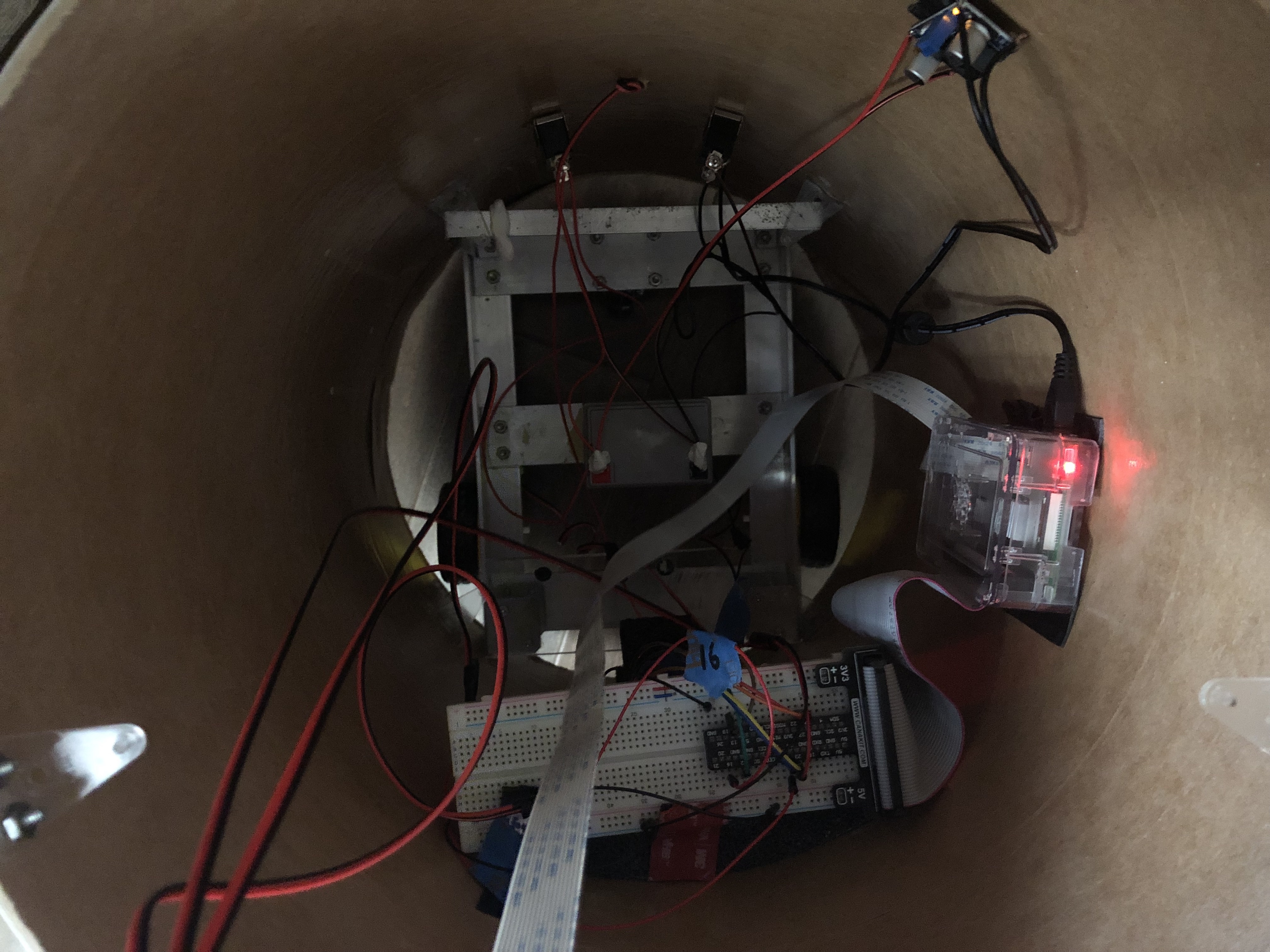
Interior of the tube. Raspberry Pi 3. Servo Motor Conroller. Voltage regulator and battery.

My kids practicing some soldering….

Part 1 is documented here: https://vivani.net/2020/04/27/raspberry-pi-java-r2d2-robot-part-1/

Java code available here: https://github.com/hvivani/Robotics/tree/master/R2D2